

What does a finished GTA 6 AI clip look like?
These stills show three of the five Game Filter scenes, each made from a single photo of one fictional person.
GTA 6 AI examples by scene
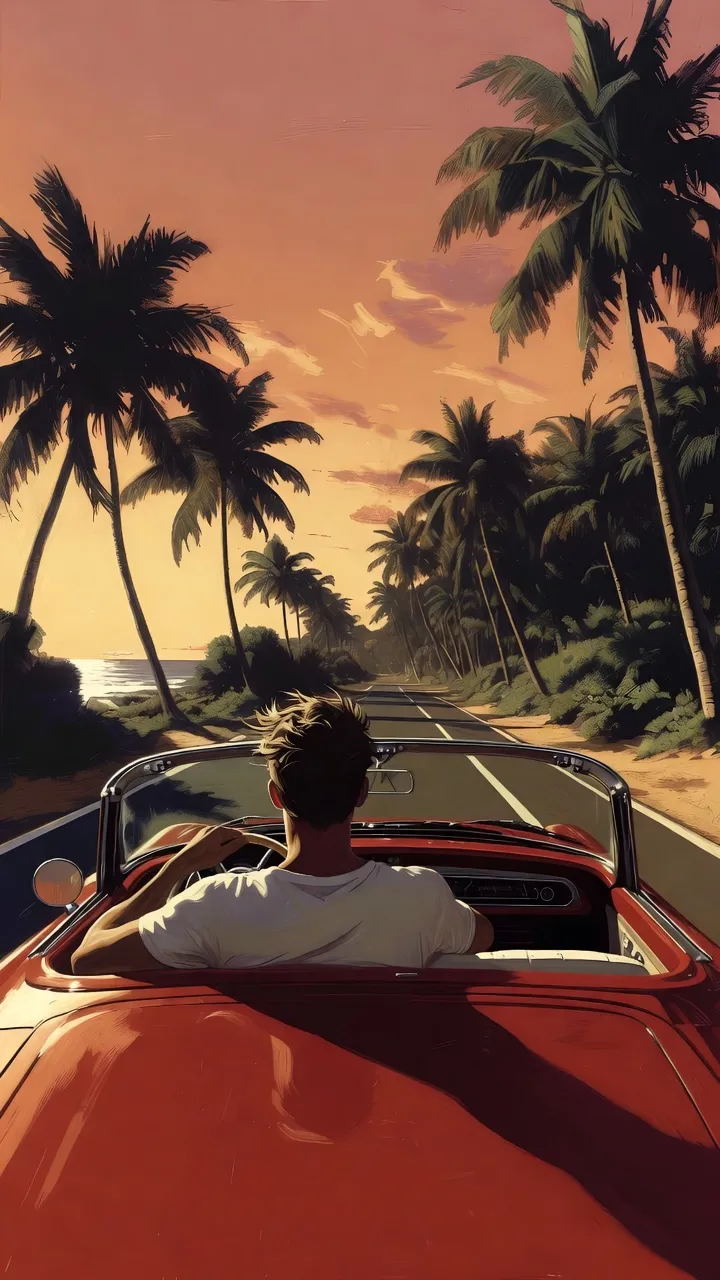
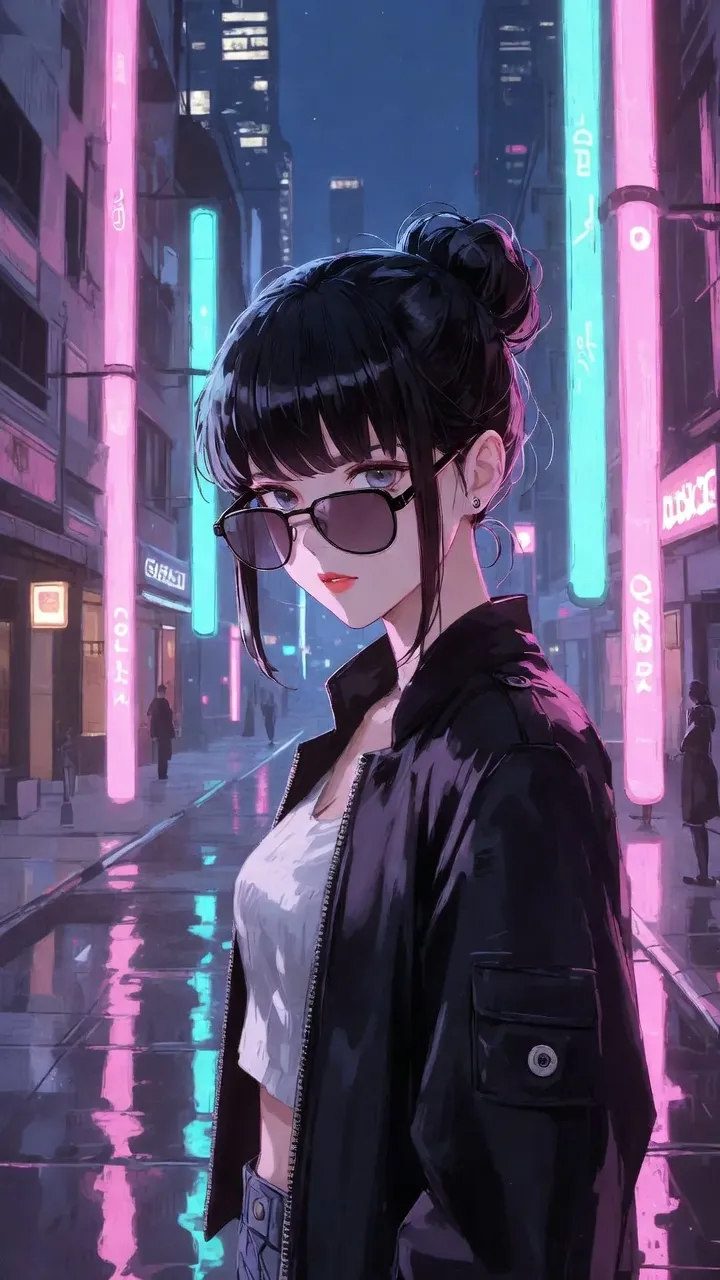
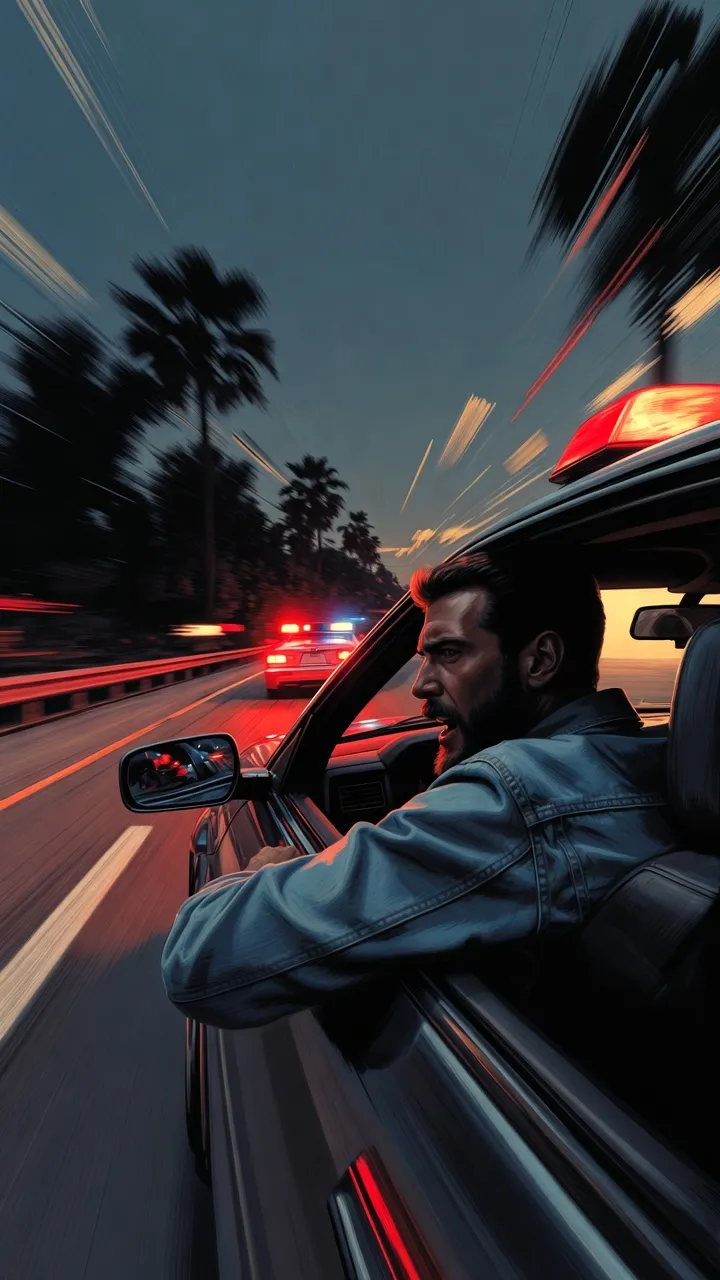
What these examples show
The three GTA 6 AI examples show the Beach sunset drive, Neon city night and Police chase scenes, each as a still from a 5-second 9:16 clip made from one front-facing photo. They are AI demo pictures of fictional people, made to show the look of each scene; real outputs of the tool will replace them. The Speedboat and Loading-screen portrait scenes follow the same one-photo process.
Make a GTA 6 AI clip like these
Upload one photo and pick one of the 5 scenes.
Related pages
What is the GTA 6 AI trend, and why did it take off?
The GTA 6 AI trend is fans making AI clips in the look of Grand Theft Auto VI; one fake AI leak reached about 8 million views in a day.
How do you turn your own photo into a GTA 6 AI clip?
To make a GTA 6 AI video, upload 1 front-facing photo, pick 1 of 5 scenes and download a 5-second 9:16 clip; 3 steps, 10 credits per clip.
What can you make with the GTA 6 AI filter without paying?
Browsing, guides and examples are free; a GTA 6 AI clip costs 10 credits for 5 seconds or 30 for 15, with packs from $7.90 for 60 credits.
What is the GTA 6 style, and how do you put yourself in it?
Get the GTA 6 style look on your own photo: sunset roads, neon nights and loading-screen portraits as a 5-second 9:16 video in 5 scenes.