

Game Filter: put yourself in a GTA 6 AI clip
Upload one photo, pick a scene, and get a short vertical video of you in a sun-soaked, neon crime-game world, ready for TikTok, Reels and Shorts.
The short answer
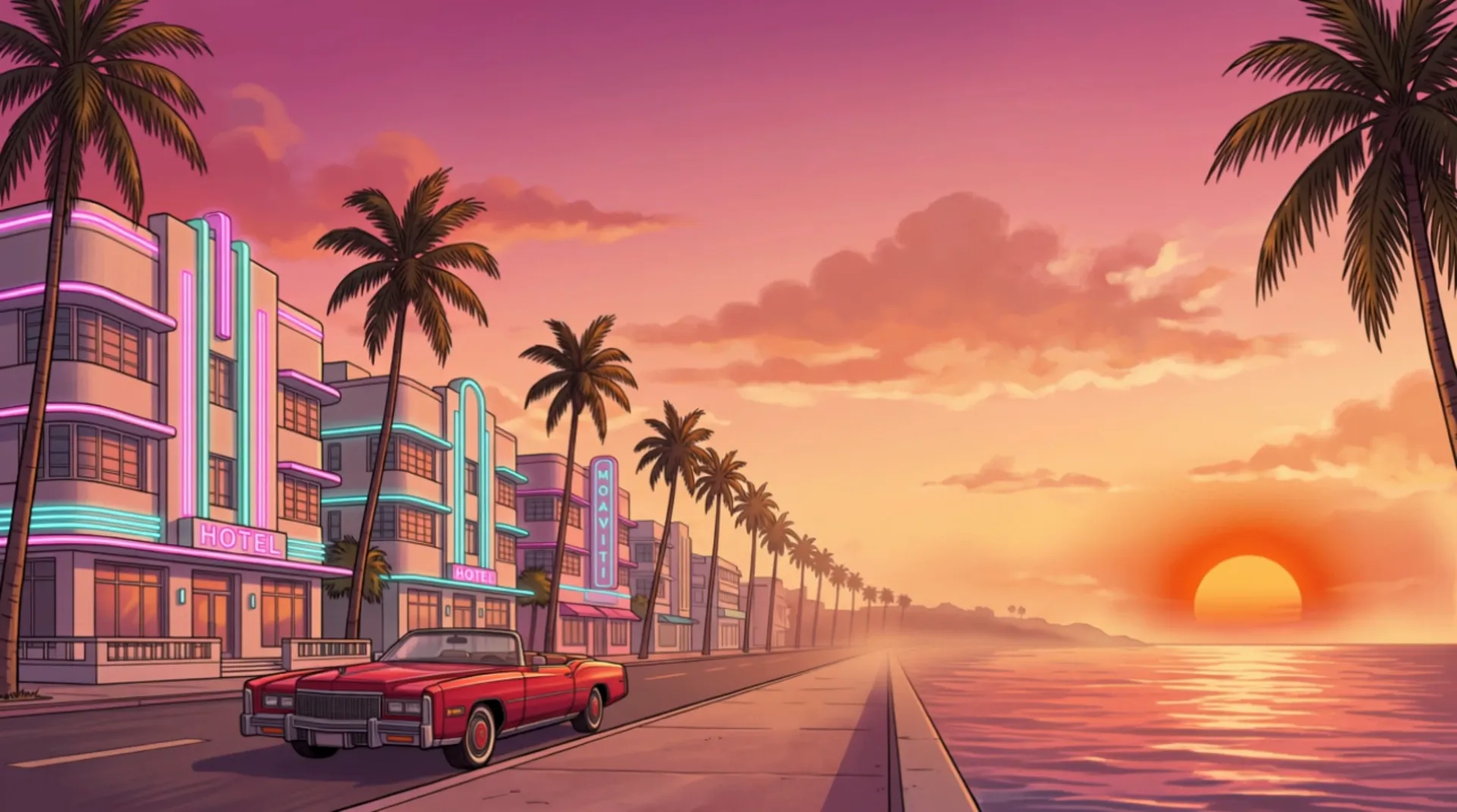
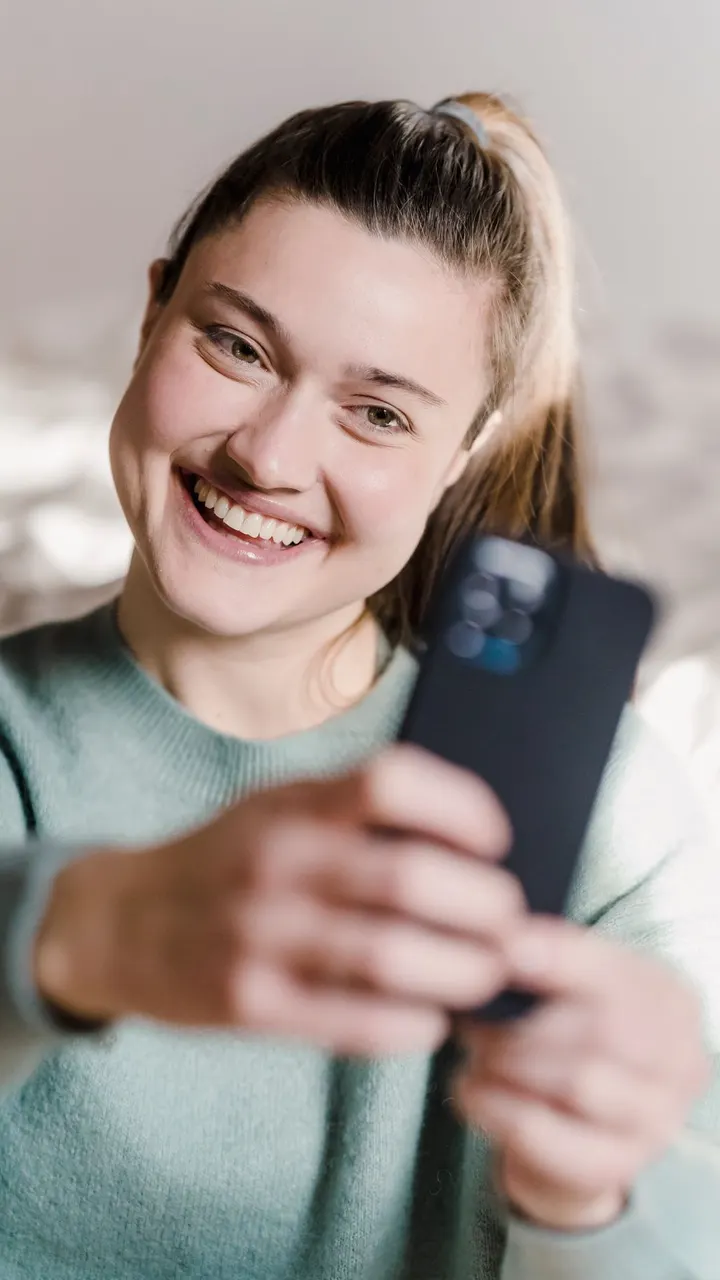
Game Filter turns one photo of you into a 5-second vertical GTA 6 AI video in a 9:16 frame. You upload 1 photo, choose 1 of 5 scenes (Beach sunset drive, Neon city night, Police chase, Speedboat or Loading-screen portrait) and press one button. The finished clip is sized for TikTok, Instagram Reels and YouTube Shorts, so you can post it or send it to friends straight away. Each clip costs 10 credits.
How to make a GTA 6 AI video in 3 steps
Upload 1 clear photo of yourself
Choose a front-facing photo where your face is sharp, well lit and not covered by sunglasses or a hand. JPG, PNG and WebP files work. One person per photo gives the GTA 6 AI clip the best chance of keeping your face recognisable, because the tool has only one face to follow.
Pick 1 of the 5 scenes
Each scene sets the place, the light and the camera move of the clip: Beach sunset drive, Neon city night, Police chase, Speedboat or Loading-screen portrait. Then pick a look, Poster or Classic, and a length, 5 seconds or 15 seconds with the 160-credit pack. There is no prompt to write.
Press Make my clip and download the video
Sign in and press Make my clip. Game Filter renders a vertical 9:16 video in about two minutes; download it and post it to TikTok, Instagram Reels or YouTube Shorts, or send it in a chat. A 5-second clip uses 10 credits and a 15-second clip 30, and a clip that fails returns its credits.
GTA 6 AI filter: one photo in, one clip out
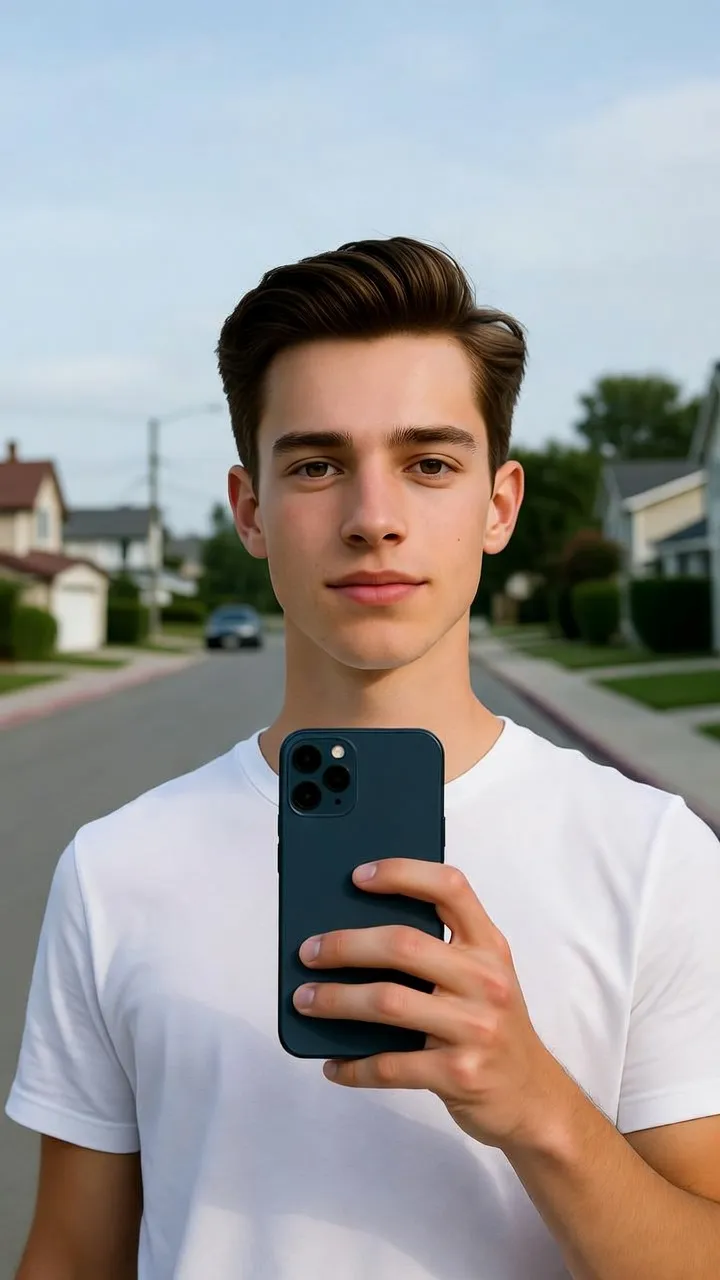
A street selfie becomes a beach sunset drive
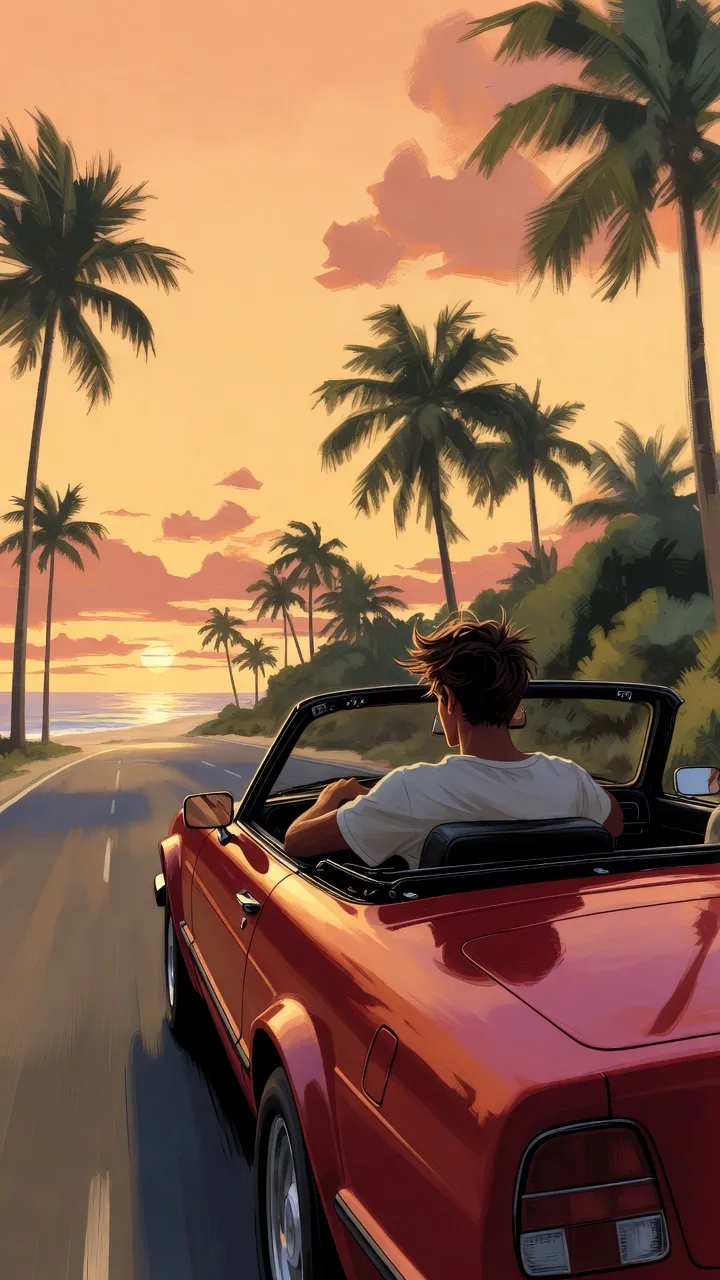
The original is an everyday front-facing selfie of a man in a white tee on a sunny street. In the Beach sunset drive scene the GTA 6 AI filter keeps his white tee and puts him behind the wheel of a convertible on a palm-lined coast road at golden hour, filmed from behind as he drives into the sunset.
A daytime portrait becomes a neon city night
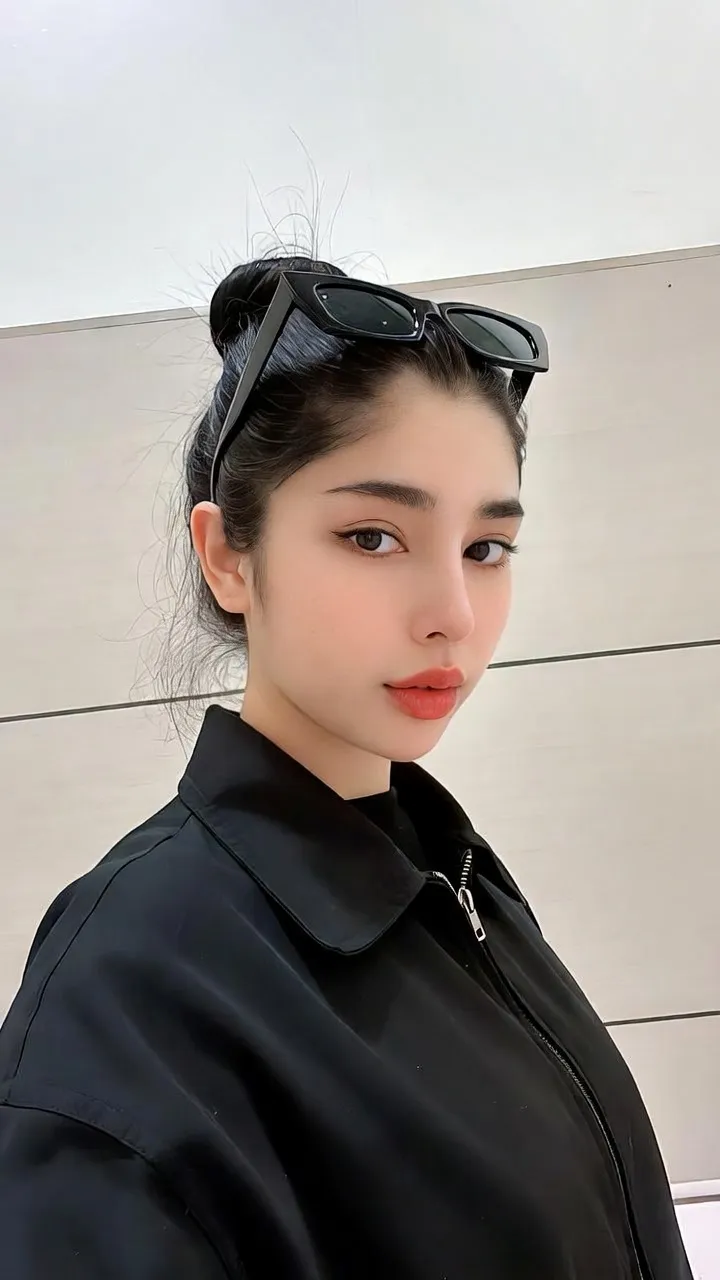
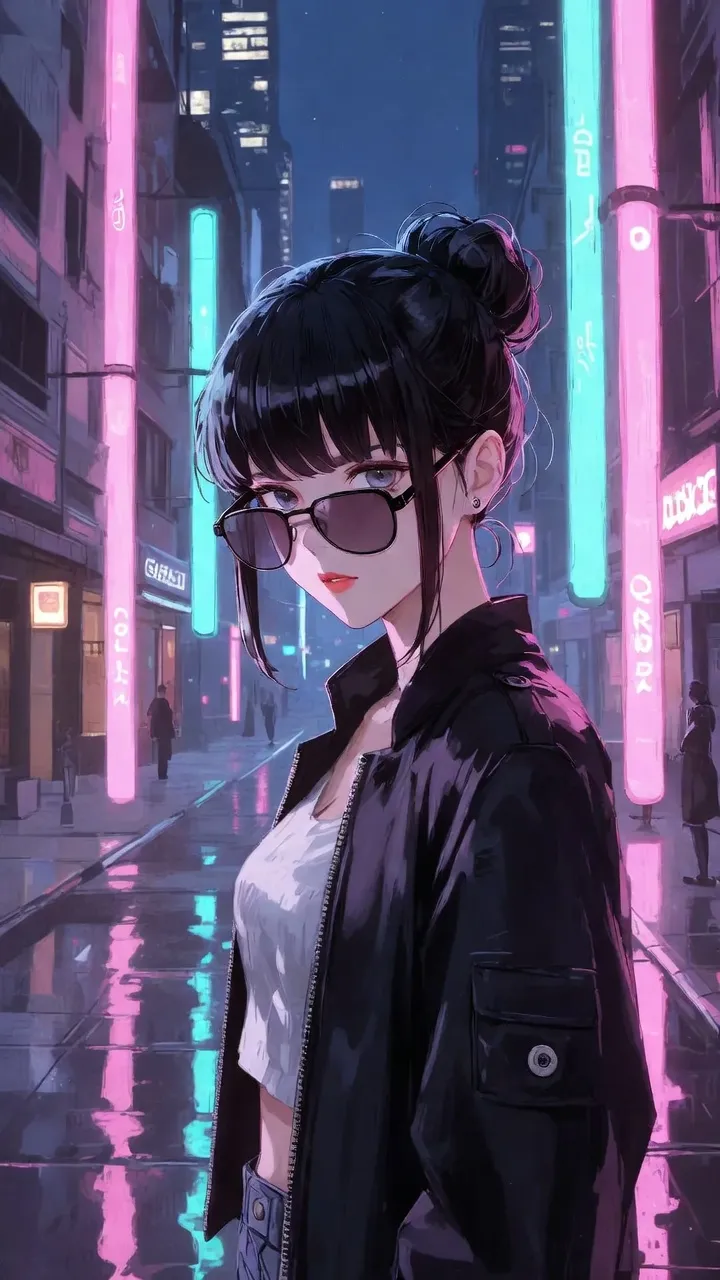
The original is a daytime photo of a woman with sunglasses pushed up on her head. In the Neon city night scene she stands on a wet street under pink and teal neon light with her sunglasses on, framed vertically for a 5-second clip.
The 5 GTA 6 AI scenes and what each one shows
Beach sunset drive
You drive a convertible along a palm-lined coast road while the sun goes down. It is the scene most people pick for a first clip, because it says sun, speed and holiday in 5 seconds.
Neon city night
You walk or stand on a wet city street lit by neon signs. The light is pink and teal, and the camera drifts slowly past you.
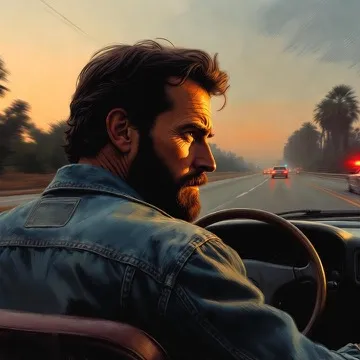
Police chase
You look back from a fast car with flashing lights behind you. It is the most dramatic of the 5 scenes and works well as a joke clip for friends.
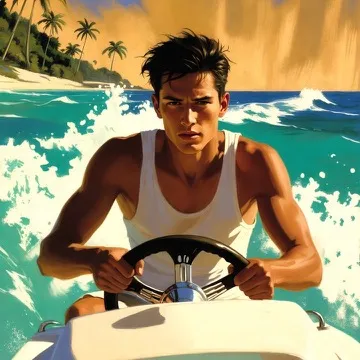
Speedboat
You stand at the wheel of a speedboat on bright blue water with spray around you, filmed in a vertical frame that keeps both you and the wake in view.
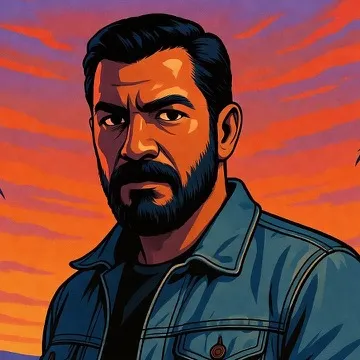
Loading-screen portrait
A slow push-in on a painted, poster-style portrait of you, the look of a game loading screen. It suits a profile picture as well as a clip.
More about GTA 6 AI
What is the GTA 6 AI trend, and why did it take off?
The GTA 6 AI trend is fans making AI clips in the look of Grand Theft Auto VI; one fake AI leak reached about 8 million views in a day.
How do you turn your own photo into a GTA 6 AI clip?
To make a GTA 6 AI video, upload 1 front-facing photo, pick 1 of 5 scenes and download a 5-second 9:16 clip; 3 steps, 10 credits per clip.
What does a finished GTA 6 AI clip look like?
GTA 6 AI examples of 3 scenes, a beach sunset drive, a neon city night and a police chase, each made from 1 photo as a 9:16 clip still.
What can you make with the GTA 6 AI filter without paying?
Browsing, guides and examples are free; a GTA 6 AI clip costs 10 credits for 5 seconds or 30 for 15, with packs from $7.90 for 60 credits.
What is the GTA 6 style, and how do you put yourself in it?
Get the GTA 6 style look on your own photo: sunset roads, neon nights and loading-screen portraits as a 5-second 9:16 video in 5 scenes.
Which ChatGPT prompt turns your photo into a GTA 6 AI style picture?
Four ChatGPT GTA 6 prompts that turn your photo into a crime-game style still, plus how to get a 5-second 9:16 video of you without writing one.
10 credits per 5-second clip, 30 per 15-second clip
GTA 6 AI pricing
GTA 6 AI filter FAQ
Make your GTA 6 AI clip
Upload one photo, pick one of the 5 scenes and get a 5-second 9:16 clip of you to post or send.